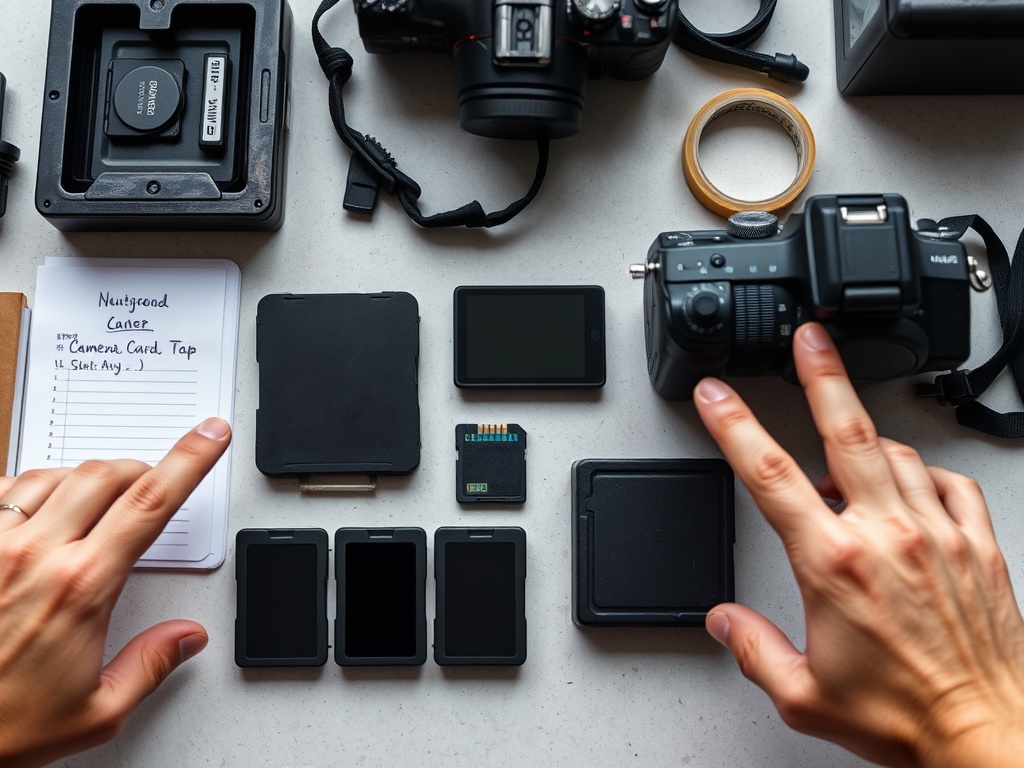
Before a shoot, prepare media cards by backing up and formatting them, prepare batteries by charging, labeling, and packing them safely, and prepare file naming before capture so footage and photos do not become confusing during import. The best system is simple enough to follow when the day gets stressful.
Pre-Shoot Reliability Note: Media failure is rarely one big mistake. It is usually a chain of small preventable errors: unformatted cards, mixed folders, half-charged batteries, duplicate file names, missing card cases, and no backup plan.
Prepare Cards Only After Existing Files Are Backed Up
Never format a card just because the shoot is tomorrow. Format only after confirming that previous files have been copied, checked, and backed up. A safe rule is 3-2-1 thinking: at least three copies, on two different types of storage, with one copy away from the main working device when possible.
For personal and creative archives, the Library of Congress offers personal digital archiving guidance that emphasizes identifying digital files and preserving them intentionally. A shoot is not an archive, but the same mindset helps: files are fragile until they exist in more than one place.
Once old files are secure, format cards in the camera or with the official tool recommended for that card type. The SD Association provides an SD Memory Card Formatter designed to format SD, SDHC, SDXC, and SDUC cards according to SD file system specifications.
Use a Card Rotation System You Can See
Physical habits prevent digital mistakes. Use a card wallet with clear “empty” and “full” sides. Insert empty cards face up and full cards face down, or use a red/green label system. The exact method matters less than consistency.
Label each card with a short ID: A01, A02, B01, B02. Do not rely only on capacity or brand color. If a camera creates duplicate file names across cards, the card ID becomes essential during import.
Test Cards in the Actual Camera
A card that worked in one camera may not be ideal for another, especially with high-bitrate video, burst photography, or dual-card recording. Test the card in the camera and record a short clip at the intended resolution, frame rate, and codec. Play it back. Check for warnings. If the camera has dual slots, test the recording mode you will use: backup, overflow, RAW plus JPEG, or video proxy.
Do not mix unknown cards into a paid or important shoot. Retire cards that have produced errors, survived water exposure, or been physically damaged.
Charge and Label Batteries With a Real Plan
Charge all camera, audio, monitor, light, gimbal, transmitter, and laptop batteries the day before. Label them so you can rotate from full to used without guessing. A simple numbering system works: C1, C2, C3 for camera batteries; A1 and A2 for audio; L1 and L2 for lights.
For travel, lithium battery rules matter. The FAA explains that passengers can carry most batteries and portable electronic devices for personal use in carry-on baggage when safety precautions are followed, and the TSA describes limits for larger lithium batteries in its travel guidance. Always check your airline and country rules before flying with gear.
Create a File Naming Pattern Before the Shoot Starts
File naming should identify the project, date, camera or card, and sequence without becoming too long. The U.S. National Archives recommends names that help distinguish similar files and support sorting in its file naming best practices.
A practical pattern might look like this:
2026-04-CLIENT-SHOOT_CAM-A_CARD-A01_0001
For small shoots, you may not rename files in camera. Instead, rename folders during ingest:
2026-04-30_ClientName_Interview_CAM-A_CARD-A01
The folder name carries the meaning while original camera file names remain intact.
Build an Ingest Structure Before You Need It
Create the project folder before the shoot or at least before import. Use a structure such as:
- 01_CAMERA_ORIGINALS
- 02_AUDIO_ORIGINALS
- 03_PROXIES
- 04_PROJECT_FILES
- 05_EXPORTS
- 06_DELIVERY
- 99_ADMIN
Inside originals, separate by date, camera, and card. Do not drag files from multiple cards into one folder named “footage.” That makes troubleshooting painful when a clip goes missing or relinks incorrectly.
This preparation is especially important for creators selling digital products or packaged assets. Clean file handling supports legal and commercial clarity, just as described in how to sell digital prints, downloads, and asset packs legally.
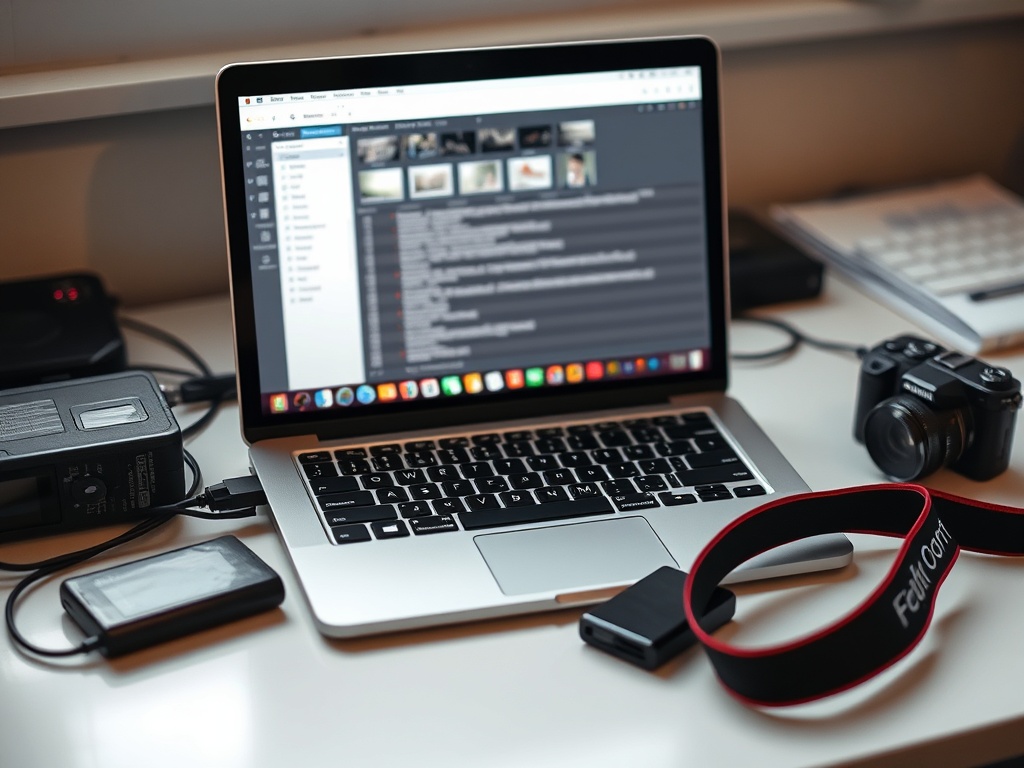
Run a Small Gear Table
| Item | Before shoot | During shoot | After shoot |
|---|---|---|---|
| Media cards | Back up, format, label, test | Move full cards to protected side | Copy, verify, then store until backup confirmed |
| Batteries | Charge, label, pack safely | Rotate used batteries into separate pouch | Recharge and inspect |
| File names | Set folder pattern | Keep card IDs consistent | Rename folders, not camera originals unless planned |
| Drives | Clear space, test cable, label | Avoid single-copy transfers | Verify backups before formatting cards |
Common Mistakes That Cause Chaos
The biggest mistake is formatting cards too soon. The second is relying on memory. The third is changing systems mid-shoot. If you start with card IDs, use them all day. If full cards go face down, everyone on the crew follows that rule. If only one person handles media, no one else casually borrows a card.
A pre-shoot workflow should be boring, repeatable, and visible. The more exciting the shoot, the more boring the media system should be.
A Final Pack Check for Calm Shooting
Before leaving, confirm empty cards, charged batteries, card reader, cables, power adapters, storage drives, labels, tape, and a written ingest plan. Take a photo of your packed card case and battery layout. After the shoot, compare it with what came home.
A Clean Start Protects the Creative Day
Good media prep does not make the work more artistic, but it protects the conditions that let artists focus. When cards, batteries, and file names are ready, the shoot can be about timing, light, performance, and story instead of preventable technical anxiety.