You can start streaming games with minimal gear by using the device you already play on, a stable internet connection, basic streaming software, a decent microphone, and a simple plan for what viewers will see and hear. The realistic goal at first is not instant growth; it is learning how to go live reliably.
First-Stream Setup Note: Start with stable audio, readable gameplay, and a repeatable schedule. Fancy cameras, lights, overlays, and capture cards can wait until you know you enjoy the process.
Begin With the Platform and Type of Stream
A beginner gaming stream can happen from a console, a gaming PC, a laptop with cloud gaming, or even a mobile device depending on the game and platform. Before buying gear, decide where you want to stream and what kind of content you will make: casual gameplay, ranked matches, speedrun practice, cozy games, co-op sessions, tutorials, challenge runs, or community nights.
Twitch’s Creator Camp teaches basics for going live and building a channel, while YouTube explains that creators can stream by webcam, mobile device, or encoder in its live streaming help. OBS Studio also provides an official quick start guide for creators using streaming software.
The best platform is the one where you understand the culture and can stream consistently without hating the workflow.
The Minimal Gear List
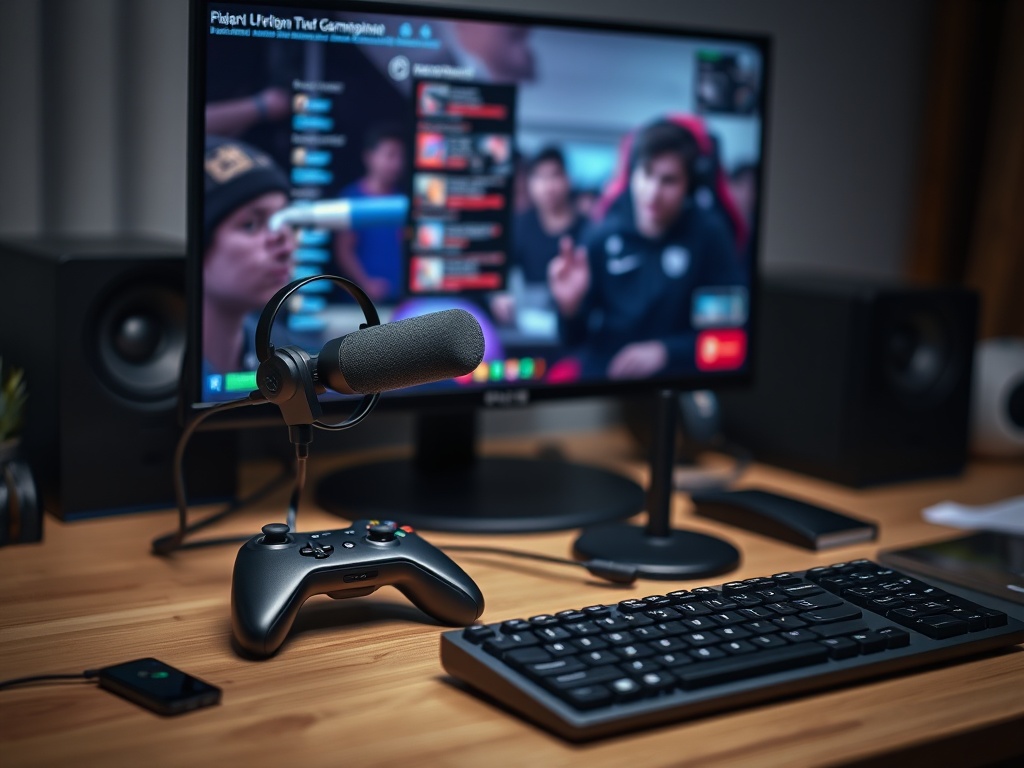
For many beginners, the first setup is smaller than expected:
- Gaming device or computer.
- Stable internet connection.
- Headphones.
- USB microphone or headset mic that sounds clear.
- Streaming software or built-in console streaming.
- Optional webcam.
- A quiet enough room.
- A simple scene layout.
Audio matters more than camera quality. Viewers may tolerate a simple visual setup, but harsh, distorted, echoing, or inconsistent audio drives people away quickly.
Test Your Internet Before Blaming Your Gear
Live streaming depends on upload speed and stability. Do not rely only on a single speed test. Test at the time of day you plan to stream. If other people in the household are watching video, uploading files, or gaming online, your stream may suffer.
Use wired Ethernet if possible. If you must use Wi-Fi, reduce distance from the router and avoid crowded network conditions. Start with modest settings. A stable 720p stream is better than an unstable 1080p stream that drops frames every few minutes.
This overlaps with household entertainment planning. If multiple people share streaming services, broadband, and gaming downloads, the guide to organizing a shared household streaming budget can help reduce conflicts around both cost and bandwidth.
Set Up Scenes Without Overdesigning
A basic stream scene needs gameplay, microphone audio, and maybe a small webcam. Add alerts, chat boxes, animated overlays, and sound effects later. Overlays should not cover important game information. If your stream is about learning, teaching, or reacting, make sure viewers can see the part of the screen you are discussing.
Use one starting soon screen only if you genuinely need it. Beginners often spend too much energy designing screens and not enough energy practicing speaking while playing.
Learn to Talk Without Performing Constantly
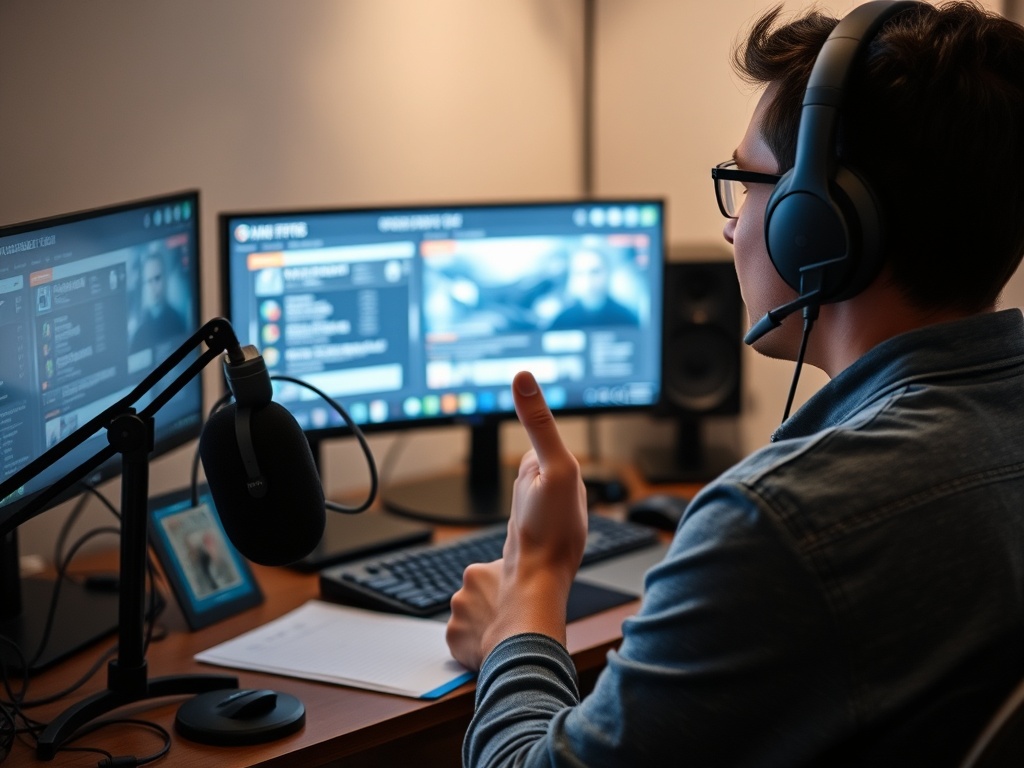
Streaming is not the same as playing alone. You need to narrate decisions, react naturally, and make the room feel alive even when chat is quiet. That does not mean talking every second. It means giving viewers a reason to stay.
Try these prompts:
- What am I trying to do in this match?
- What did I learn from that mistake?
- Why am I choosing this character, route, weapon, or strategy?
- What would I do differently next round?
- What kind of player would enjoy this game?
The early audience may be small. Speak as if one thoughtful viewer is present. That habit is better than waiting for chat to become active.
Keep Expectations Healthy
Growth is slow for most streamers. Discovery is difficult, schedules are crowded, and many viewers already have favorite creators. The first measure of success should be operational: Can you go live on time? Is the audio clear? Is the stream stable? Can you finish without feeling drained? Did you learn one improvement for next time?
Avoid comparing your first month to someone else’s highlight reel. Large creators often have years of practice, editing support, established communities, and platform history.
Use a Simple Improvement Loop
After each stream, write three notes:
- What worked?
- What broke or felt awkward?
- What is one change for next stream?
Do not change ten things at once. If audio was weak, fix audio. If the schedule was unrealistic, shorten the next stream. If you forgot what to say, prepare three talking points before going live.
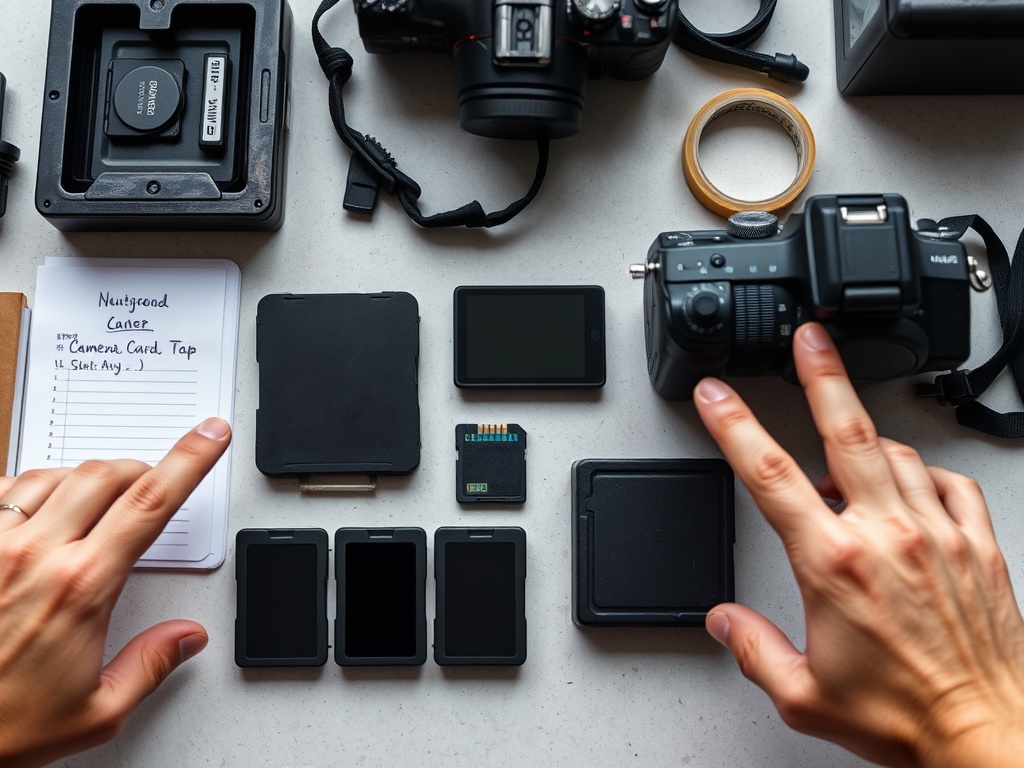
Creators who also record clips or manage shoot files can benefit from a more formal media workflow. The guide to preparing media cards, batteries, and file naming before a shoot offers a useful mindset for organizing assets before chaos begins.
Decide What You Will Not Do Yet
A minimal setup works because it delays unnecessary complexity. You probably do not need a DSLR, green screen, stream deck, multi-camera setup, custom emotes, merch, or sponsorship deck before your first month. You need reliability and a reason to return.
| Upgrade | Buy later if | Skip for now if |
|---|---|---|
| Webcam | Your format benefits from facial reaction | You are still nervous about going live |
| Capture card | You stream console games often | Built-in console streaming is enough |
| Lighting | Webcam image is too dark | You are not using a camera |
| Stream deck | You manage many scenes or effects | You have one simple scene |
| Premium mic | Viewers notice audio limits | Your current mic is already clear |
A First-Week Plan
Day one: choose platform and stream type. Day two: install or test streaming tools. Day three: check audio and internet. Day four: create one simple scene. Day five: record a private test. Day six: go live for 30 to 60 minutes. Day seven: review notes and choose one fix.
Your First Realistic Win
The first win is not follower count. It is proving you can go live, sound clear, show the game properly, and enjoy the process enough to try again. Minimal gear is not a compromise when it helps you start. It is the cleanest way to learn what kind of streamer you actually want to become.